Install LayerSeven IPTV on Any Device Today
Get 35,500+ live channels and 100,000+ on-demand titles streaming in minutes. LayerSeven IPTV works on every screen you own — no technician, no hardware swap, no hassle.
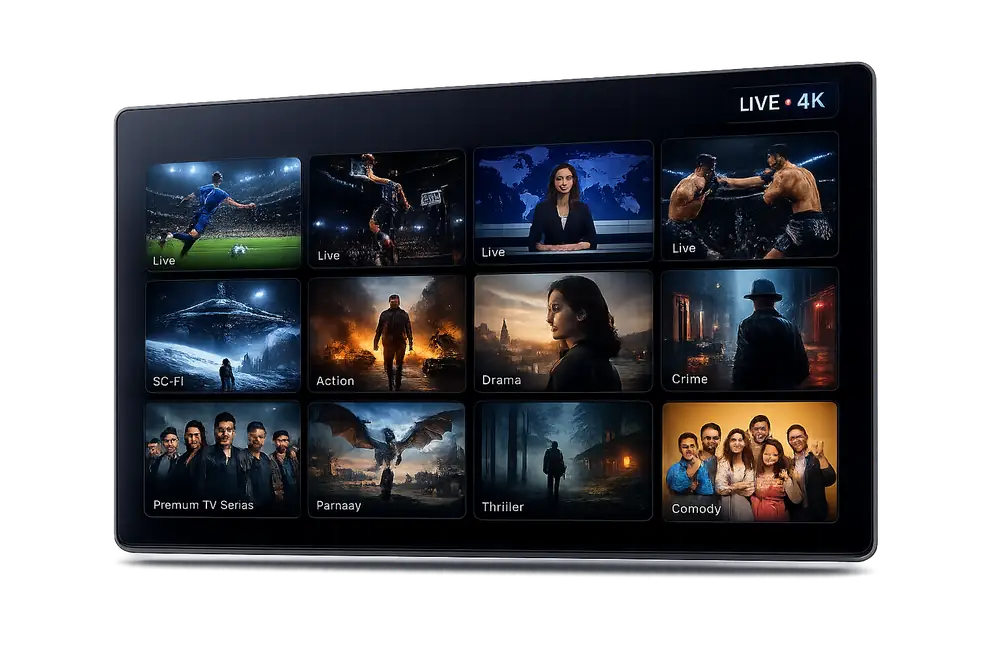
LayerSeven IPTV Works on Every Device You Already Own
From Fire TV Stick and Apple TV to Android phones, smart TVs, MAG boxes, and desktop browsers — if it connects to the internet, LayerSeven IPTV runs on it.














Three Steps to Start Watching LayerSeven IPTV
Choose Your Plan and Activate Instantly
Select a LayerSeven IPTV subscription plan, complete checkout, and receive your M3U URL and login credentials by email within seconds. No waiting, no manual review.
Install the App on Your Preferred Device
Download a compatible IPTV player such as TiviMate, IPTV Smarters Pro, or GSE Smart IPTV on your device. Our support team provides device-specific guides for Fire Stick, Roku, Apple TV, Android TV, and more.
Enter Your Credentials and Start Streaming
Open the player, paste your LayerSeven IPTV M3U playlist link or enter your username and password, and hit connect. ESPN, FOX, NBC, and 35,500+ other channels load instantly.
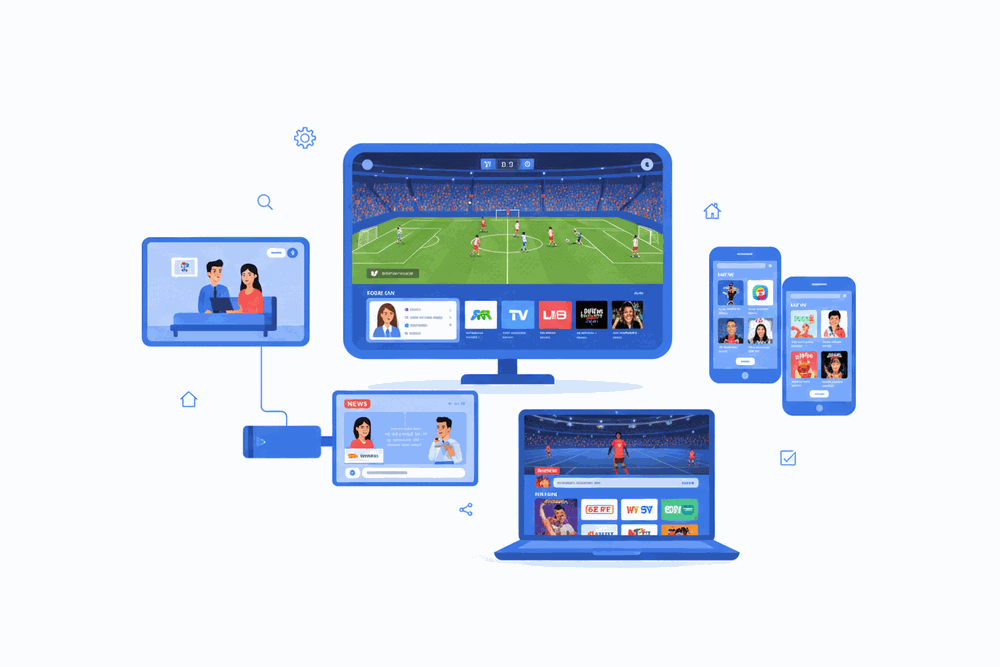
One Subscription, Every Screen in Your Home
LayerSeven IPTV streams in Full HD and 4K across all your devices simultaneously. Switch from your living room TV to your phone without missing a second of the game.
Watch on your Smart TV in the living room, your phone on the train, and your laptop at work — all from a single subscription, perfectly in sync.
- No extra hardware required
- Simultaneous streams on multi-device plans
- Same 4K quality on every screen
LayerSeven IPTV Installation Guide: Everything You Need to Know
What Is LayerSeven IPTV and How Does It Work?
LayerSeven IPTV is a premium internet protocol television service that delivers over 35,500 live channels and 100,000 on-demand titles directly to your device over a standard broadband connection. Instead of a satellite dish or cable box, all you need is the LayerSeven IPTV login credentials and a compatible media player.
The service uses high-speed streaming servers distributed across North America and Europe to guarantee low latency and buffer-free playback for channels including ESPN, FOX, and NBC. Every LayerSeven IPTV plan includes instant activation, so the moment you subscribe you can begin watching.
If you have read a layerseven iptv review online, you already know that subscribers consistently praise the installation speed and device flexibility. The setup process requires no prior technical knowledge and is fully supported by the LayerSeven IPTV support team around the clock.
Supported Devices for LayerSeven IPTV Installation in the USA
LayerSeven IPTV is designed to run on every major device category available in the USA. Supported hardware includes Amazon Fire TV Stick (all generations), Apple TV 4 and 4K, Android TV boxes, Samsung and LG smart TVs, MAG 322 and MAG 524 set-top boxes, Enigma2 receivers, Windows PCs, macOS computers, iOS iPhones and iPads, and Android smartphones and tablets.
Because the service delivers streams via a standard M3U playlist and Xtream Codes API, it is compatible with virtually any IPTV player application on the market. Popular players tested and approved by the LayerSeven IPTV team include TiviMate, IPTV Smarters Pro, GSE Smart IPTV, Perfect Player, and VLC Media Player.
A single layerseven iptv subscription allows simultaneous connections depending on your chosen plan, so your entire household can stream different channels at the same time without purchasing additional licenses.
How to Install LayerSeven IPTV on Amazon Fire TV Stick
Installing layer7 iptv on a Fire TV Stick takes fewer than five minutes. First, navigate to Settings, then My Fire TV, then Developer Options, and enable Apps from Unknown Sources and ADB Debugging. Next, install the Downloader app from the Amazon Appstore.
Open Downloader, enter the URL provided in your LayerSeven IPTV welcome email, and download the recommended IPTV player APK. Once installed, open the player, select Add Playlist or Xtream Codes Login, and enter your layerseven iptv login credentials. Your full channel list including ESPN, FOX, and NBC loads automatically.
If you encounter any step in this process, the LayerSeven IPTV 24/7 support team is available via live chat and WhatsApp to walk you through the installation in real time.
Installing LayerSeven IPTV on Android TV and Smart TVs
On any Android TV device or Android TV box, open the Google Play Store and search for TiviMate or IPTV Smarters Pro. Install either application, then open it and select the option to add a new playlist via M3U URL or Xtream Codes.
Enter the server URL, username, and password from your LayerSeven IPTV confirmation email. The player will fetch the full layerseven iptv channel list, organize it by category, and present an electronic program guide for all 35,500+ channels. For Samsung Tizen and LG webOS TVs that do not support the Play Store, the support team provides alternative sideloading instructions.
LayerSeven IPTV streams are encoded for adaptive bitrate delivery, meaning the player automatically selects the optimal resolution between 720p, 1080p Full HD, and 4K Ultra HD based on your current internet connection speed.
LayerSeven IPTV Free Trial: How to Get Started Before You Subscribe
LayerSeven IPTV offers a free trial so you can verify compatibility with your device and evaluate stream quality before committing to a paid plan. The layerseven iptv free trial gives you access to a representative selection of channels from the full 35,500+ lineup, including flagship US networks.
To claim your free trial, click the Start Your Free Trial button on this page, provide your email address, and receive your temporary credentials instantly. No credit card is required to activate the trial. Upgrading to a full plan after the trial takes a single click inside your account dashboard.
Existing trial users frequently cite the absence of buffering on sports broadcasts and the breadth of the layerseven iptv channel list as the two factors that convert them to long-term subscribers, consistent with the 4.8-star average rating across more than 30,000 verified reviews.
LayerSeven IPTV Channel List: What You Get in the USA
The layerseven iptv channel list for US subscribers includes every major broadcast and cable network. Sports coverage spans ESPN, ESPN2, FS1, NBC Sports, NFL Network, MLB Network, NBA TV, and regional sports networks across all US markets. Entertainment packages include HBO, Showtime, Starz, FX, AMC, and Bravo.
News channels available through LayerSeven IPTV include FOX News, CNN, MSNBC, CBS News, ABC News Live, BBC World News, and Bloomberg Television. International language packages add Spanish, Portuguese, French, Arabic, and dozens of other language tiers at no additional cost on premium plans.
The VOD library exceeds 100,000 titles organized into movies, TV series, and documentaries. Content is updated daily, and the LayerSeven IPTV catch-up feature lets you replay broadcasts from the past seven days on supported channels.
LayerSeven IPTV Login: Managing Your Account After Installation
After installation, your layerseven iptv login credentials remain active for the duration of your subscription period. You can use the same username and password across all your authorized devices without re-entering them each time — most IPTV players save credentials locally after the first successful connection.
If you need to reset your password, update your email address, or add connection slots to your account, the LayerSeven IPTV customer portal is accessible from any browser. The support team can also assist with credential recovery via the 24/7 live chat.
Subscribers who have read detailed layerseven iptv reviews note that account management is straightforward and that billing, renewal, and device management are all handled from a single dashboard without requiring phone calls or lengthy support tickets.
Troubleshooting Common LayerSeven IPTV Installation Issues
The most common installation issue new subscribers encounter is entering the M3U URL with an extra space or missing character. Double-check the URL by copying and pasting directly from the welcome email rather than typing it manually. If the playlist fails to load, confirm that your internet connection speed meets the minimum 10 Mbps recommendation for HD streams.
Buffering on specific channels is almost always resolved by switching from Wi-Fi to a wired Ethernet connection or by moving closer to your router. LayerSeven IPTV servers automatically route your connection to the nearest available node, but a weak local signal can introduce latency regardless of server quality.
For persistent issues, the LayerSeven IPTV support team offers screen-sharing assistance via WhatsApp for mobile and tablet users, allowing an agent to visually guide you through any configuration problem. Response times average under two minutes during peak US hours.
LayerSeven IPTV Plans and Pricing: Instant Activation on Every Tier
Every LayerSeven IPTV plan includes the full 35,500+ channel lineup, the complete 100,000+ VOD library, and 24/7 support. Plans differ by the number of simultaneous connections and the subscription duration. Longer-term plans offer a lower effective monthly rate while shorter plans provide flexibility for users who want to try the service with minimal commitment.
Instant activation is guaranteed on all plans. The moment your payment is processed, your credentials are generated and emailed automatically — no manual approval queue, no business-hours restriction. You can be watching ESPN or FOX within two minutes of completing checkout regardless of the time of day.
Subscribers looking for layerseven iptv free trial access before purchasing a full plan can use the trial button at the top of this page. The trial uses the same server infrastructure as paid plans, so the quality you experience during the trial is identical to what you receive as a paying subscriber.
Frequently Asked Questions About Installing LayerSeven IPTV
How long does it take to install LayerSeven IPTV on my device?
Most subscribers complete the full installation in under five minutes. After you receive your layerseven iptv login credentials by email, you download a free IPTV player app, enter your credentials, and the channel list loads automatically. The LayerSeven IPTV support team provides device-specific guides and live assistance if you need help at any step.
Do I need any special equipment to use LayerSeven IPTV?
No special hardware is required. LayerSeven IPTV works on devices you already own, including Amazon Fire TV Stick, Apple TV, Android TV boxes, Samsung and LG smart TVs, Windows and Mac computers, and iOS and Android smartphones. A broadband internet connection of at least 10 Mbps is recommended for HD streams.
Is a LayerSeven IPTV free trial available before I buy a plan?
Yes. LayerSeven IPTV offers a free trial that gives you access to a representative portion of the full 35,500+ channel lineup. No credit card is required. Click the free trial button on this page, enter your email address, and receive trial credentials instantly. You can upgrade to a full plan at any time from your account dashboard.
Can I use LayerSeven IPTV on more than one device at the same time?
Yes. LayerSeven IPTV plans include multiple simultaneous connection slots depending on the tier you select. This means different members of your household can watch different channels — for example, ESPN on the living room TV and FOX on a tablet — at the same time using a single subscription.
What do I do if I forget my LayerSeven IPTV login credentials?
Your credentials are stored in the welcome email sent at the time of activation. If you cannot locate that email, log in to the LayerSeven IPTV customer portal using your registered email address and request a password reset. Alternatively, contact the 24/7 support team via live chat or WhatsApp and an agent will verify your identity and recover your account within minutes.
Does LayerSeven IPTV include local US channels like ESPN, FOX, and NBC?
Yes. The LayerSeven IPTV channel list includes ESPN, FOX, NBC, CBS, ABC, and hundreds of additional US broadcast and cable networks. Regional sports networks for major US markets are also included, along with dedicated sports tiers for NFL, NBA, MLB, and NHL coverage. The full layerseven iptv channel list is available in your account dashboard after activation.
Start Watching LayerSeven IPTV in Minutes
Instant activation gives you access to 35,500+ live channels and 100,000+ on-demand titles across ESPN, FOX, NBC, and hundreds more the moment your plan is confirmed.